

MarketEdge has always provided a huge variety of technical analysis tools to help you find the right stock at the right time but sometimes you wanted a way to easily change the layout to fit a particular type of analysis you are doing. The New Manage Report Format give that to you in an easy drag and drop interface.
What Is New?
- Create and Edit reports with a simple drag and drop report builder
- Set Custom Report as a default across the whole site
- Change report formats directly on most reports
You can get to Manage Reports to create new formats or change your existing ones from two place:
- The Spreadsheet Icon on the top right of any editable report, just to the left of the report selector
- Put image with arrow here
- The Manage Reports page in the Account Management section – Click on your name or Account Info drop down in the upper right of the window, click Account Center from the drop down then on the new screen click Manage Reports in the right hand menu.
- Screen Shot with animated gif
either the spreadsheet icon to the left of Custom Report Formats – Drag and drop report builder
- Creating A New format
- Editing A Format
- Default Formats

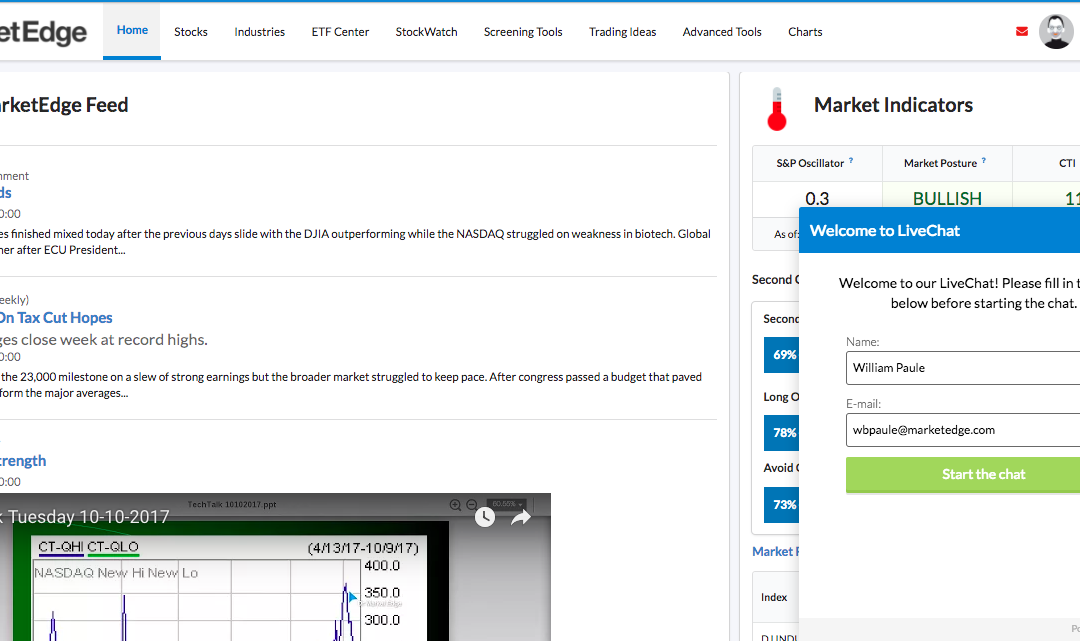
Live Chat Site Support
If you are having problems on the site, Live Chat site support is now available directly on every page during normal office hours. After hours you can leave a message that is added to the support queue. It is a quick and easy way to ask a question and get a fast...
read more
New QuickChart
All New Interactive Quickcharts give you the flexibility you need to identity trends.
read more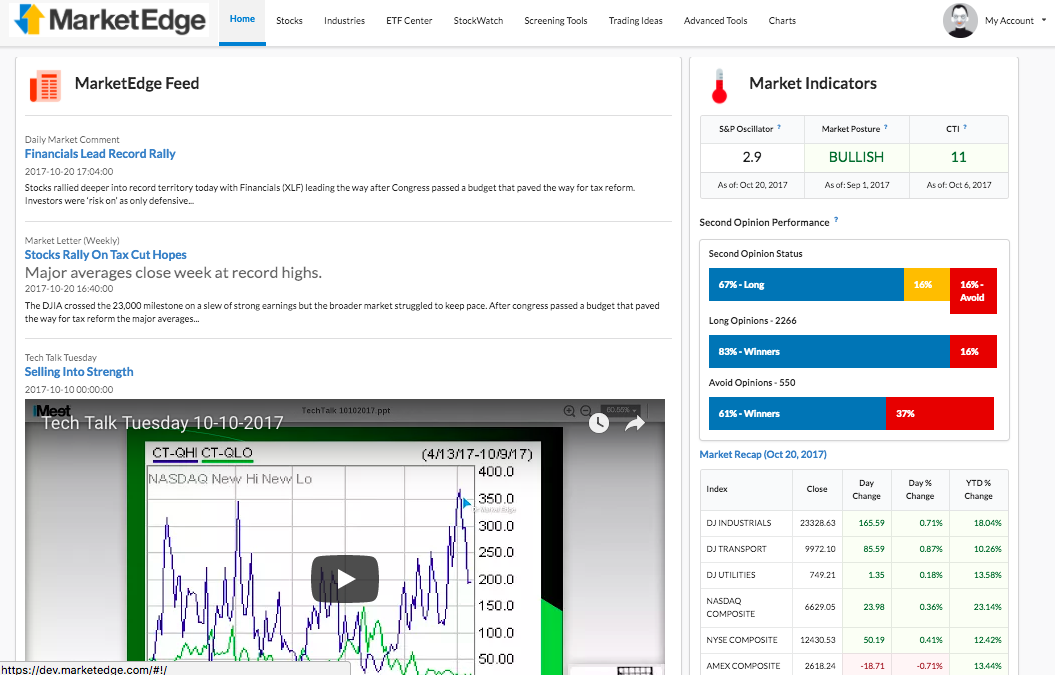
New Homepage
New Home Page combines the old Home and Markets pages for a single place to get started.
read more
New Second Opinion
The Second Opinion Report, the heart of MarketEdge, has been redesigned to so you get a more complete picture.
read more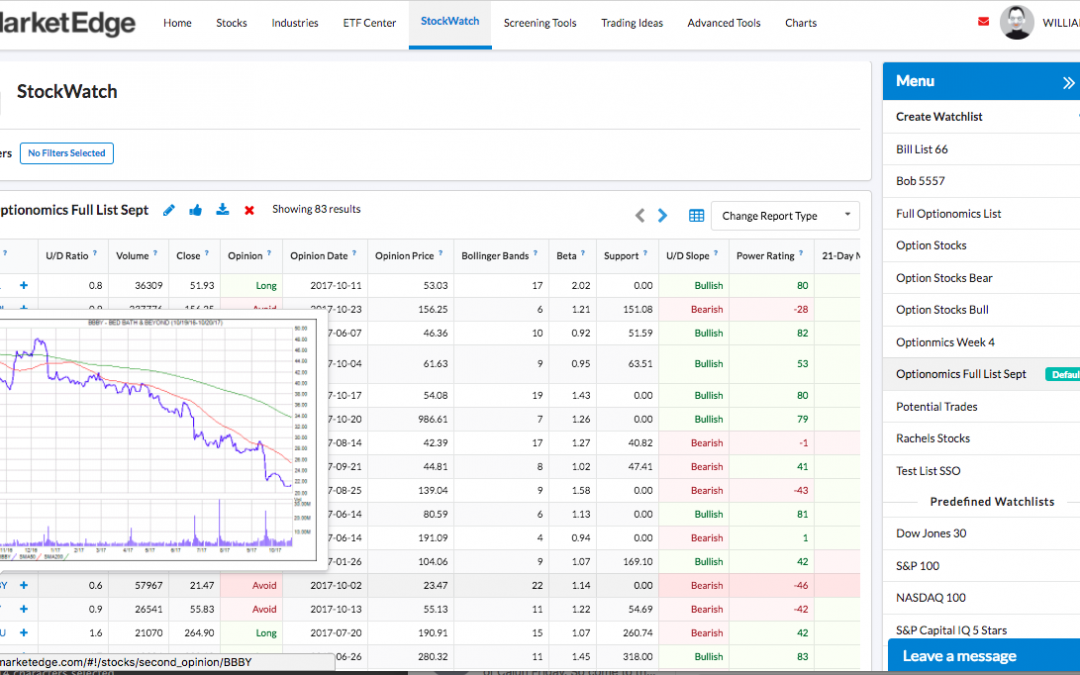
New Stockwatch
We spent a lot of time on Stockwatch and in a word, it is AWESOME!
read more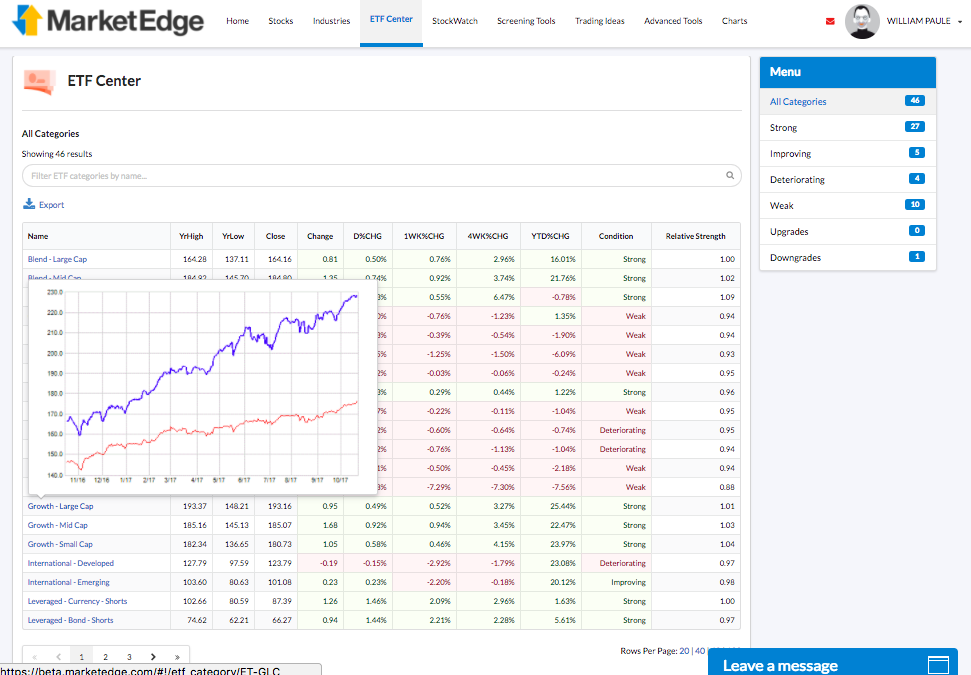
New ETF Center and Industry Groups
New ETF Center and Industry Groups give you faster access to the categories you want.
read more
New Screening Tool
Interactive filter results, Add List to Stockwatch, Export to spreadsheet and save your favorite filters.
read more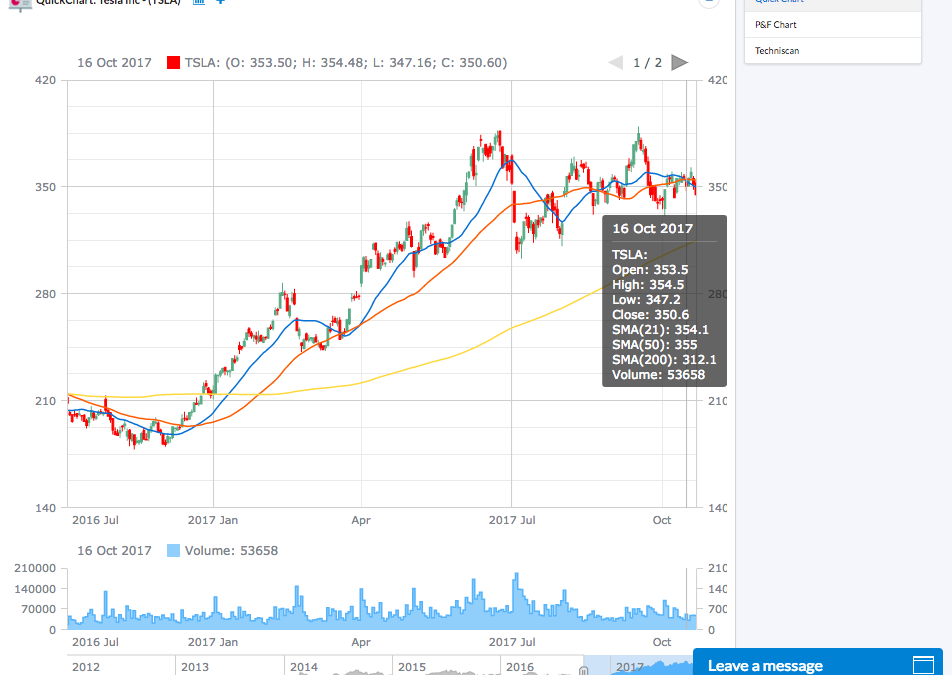
New SmartCharts
Chart Tools that are native to your browser means no downloads or complicated configurations.
read more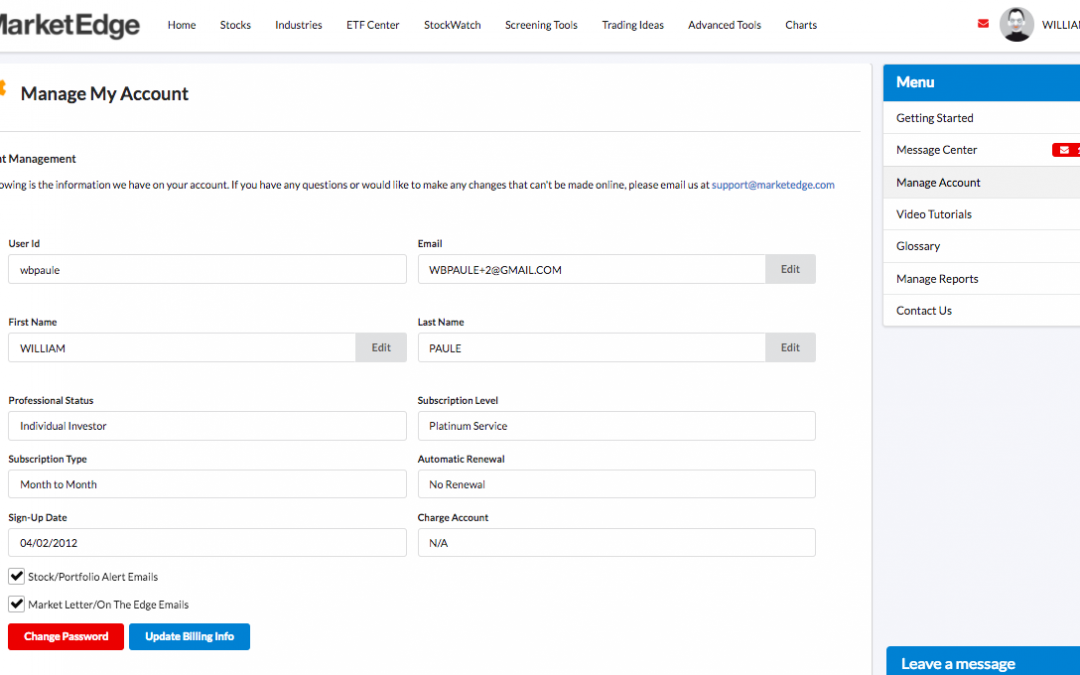
New Account and Help Center
Everything you need to manage your account and learn how to use MarketEdge in one place.
read more
Now Mobile Friendly
Take MarketEdge with you! The new design works on your Phone and Tablet too.
read more