New SmartCharts

New SmartCharts

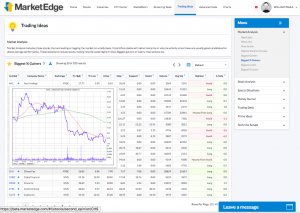
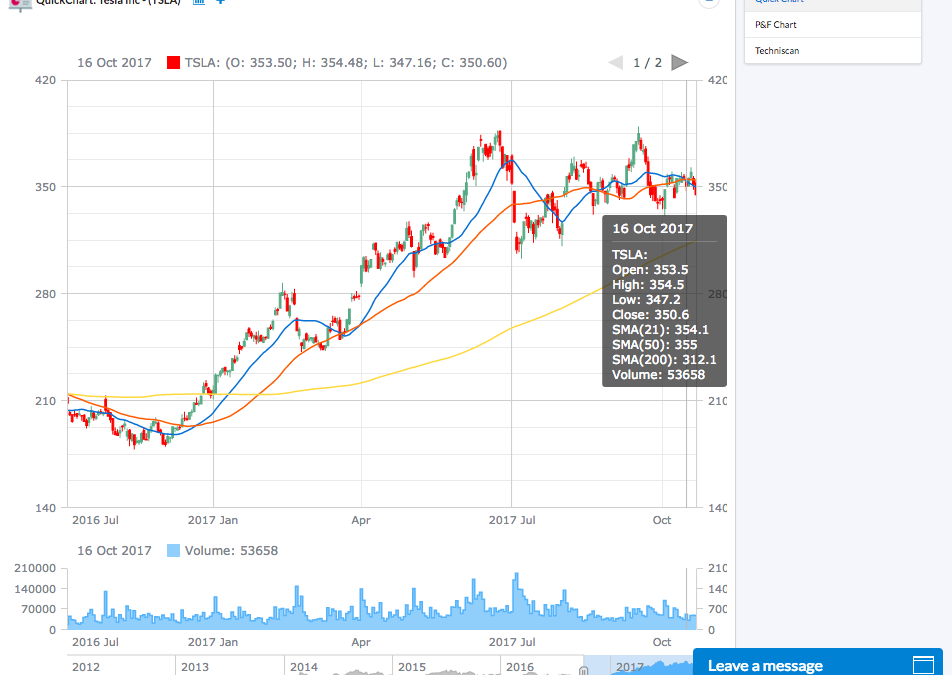
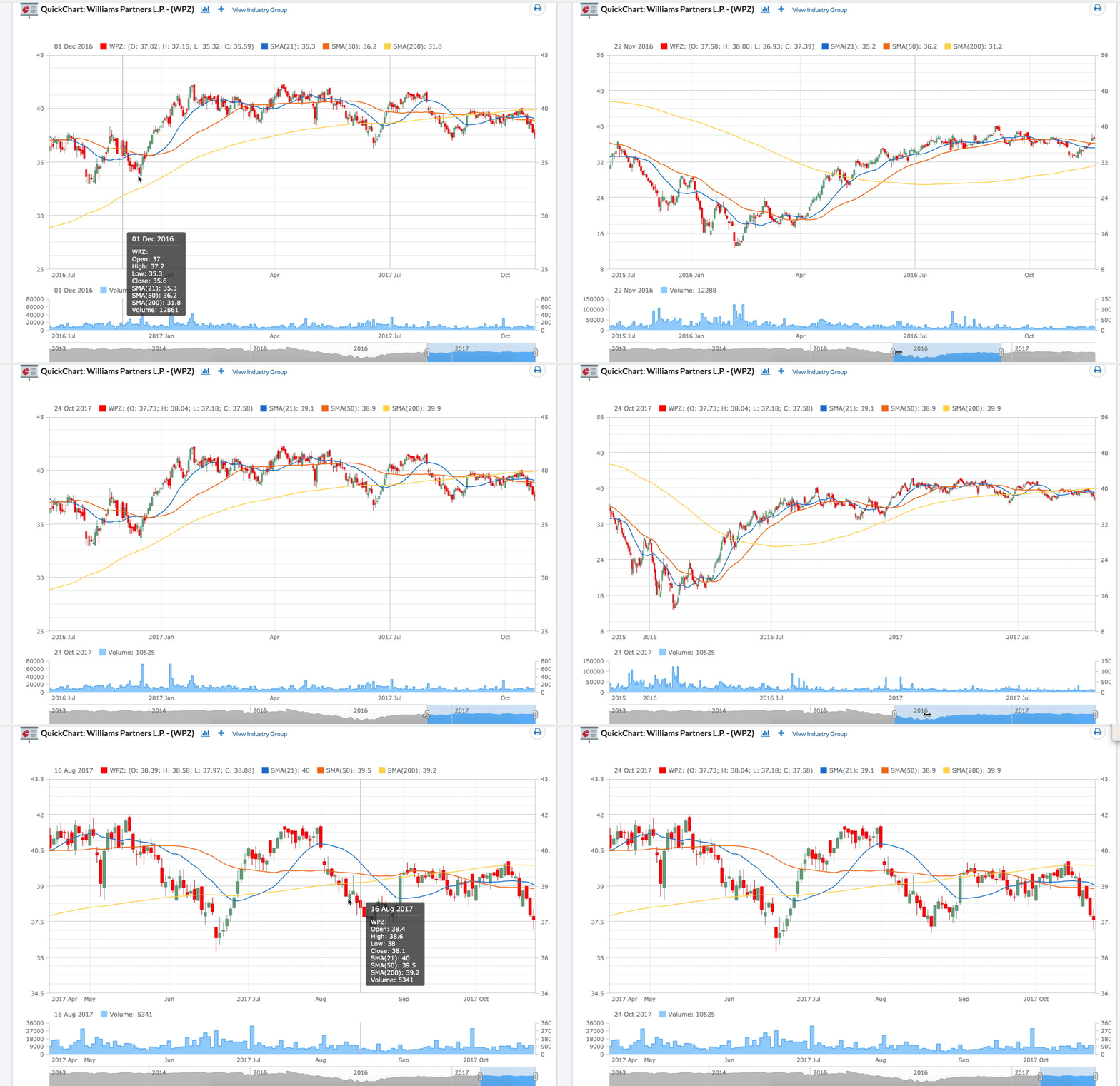
New Chart Tools – New chart tools do not require any downloads or configuration to run

  • Charts on Stock Pages
  • SmartCharts


No Results Found

The page you requested could not be found. Try refining your search, or use the navigation above to locate the post.

New Account and Help Center

New Account and Help Center

Redesigned Account and Help Center

The new Account and Help Center provides all the tools you need to manage your account and learn how to use MarketEdge more effectively.

What is There, What is New?

  • Getting Started
    • MarketEdge provides a ton of useful tools to help you find the right stock at the right time.  Because of the vast quantity of information, sometimes it is hard to figure out where to get started and it is easy to get overwhelmed.  That is where Getting Started comes in.  Simply go to Getting Started and select a topic.  We have articles explaining how to read the Weekly Market Letter and Daily Commentary, in depth explanations about MarketEdge Technical Indicators  as well as some helpful Trading Tips and much more.  Within each topic we have many articles to help you get the most from MarketEdge.
  • Video Tutorials
    • Sometimes nothing helps more that watching someone else walk through how to do something.  We created detailed video tutorials on how to use some of the more complicated sections of the site.
  • Glossary
    • There are lots of terms we use in Technical Analysis that are not part of most people’s everyday vocabulary.  We collected them and put them in the Glossary.  These definitions are also available by clicking on the ? located in most places where the terms are used within the site if you need a quick reminder.
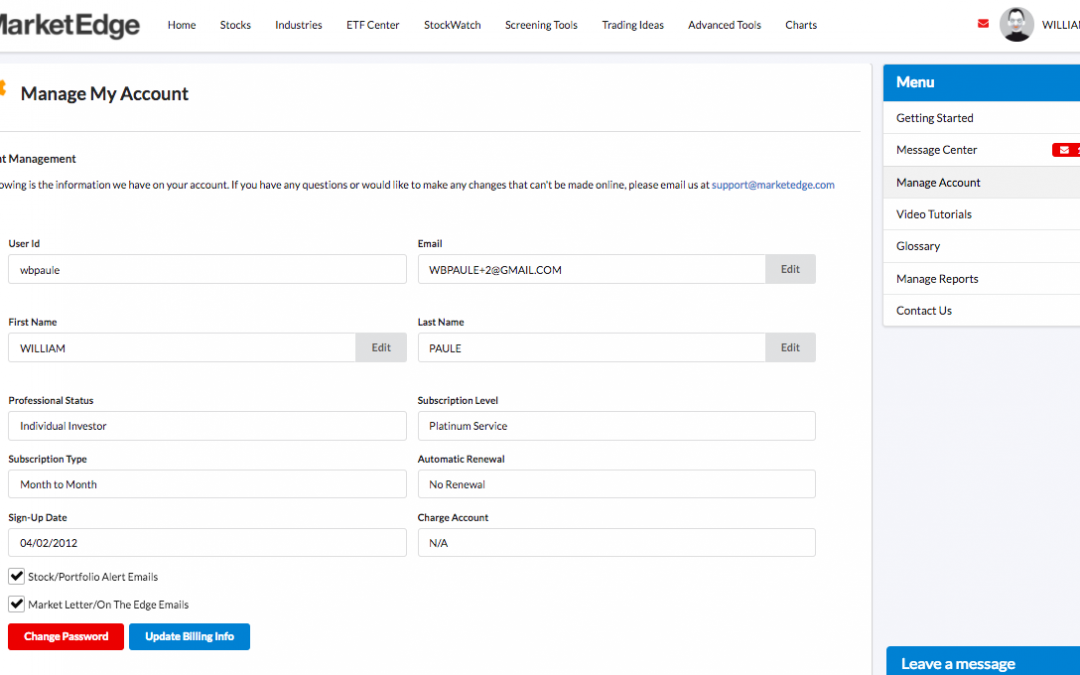
  • Manage Account
    • On the Manage Account page you can update your account information and email preferences.  Depending upon your membership type (Direct or Affiliate) you can edit your First and Last Name, Email address, toggle On and Off which emails you want delivered, Click to go to the billing provider to update your credit card details, and change your password,
  • Manage Reports
    • Easily created new report formats, update existing formats, and set a default report format in the Manage Reports page.  This is the same page that is available by clicking the Spreadsheet icon next to the Select Report Format dropdown on most reports
  • Message Center
    • We are building out our message center.  Look here for messages from MarketEdge about system notifications, notices, and other reminders.
  • Contact Us
    • Live Chat Support is on every page of the site and after hours the Live Chat allows you to leave a message that goes to the support team.  You can also go here to leave us a message or find other ways to contact us.

And Live Chat Site Support on every page.


No Results Found

The page you requested could not be found. Try refining your search, or use the navigation above to locate the post.
Now Mobile Friendly

Now Mobile Friendly

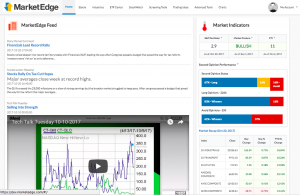
New Home Page combines Home and Markets for a single place to get started

  • Indicators on Home Page (CTI, Posture and SRO)
  • Market At A Glance
  • Rollover Charts on Symbols everywhere on the site


No Results Found

The page you requested could not be found. Try refining your search, or use the navigation above to locate the post.

The New MarketEdge – Our Process

The New MarketEdge – Our Process

Our Process:

We started by looking at the most popular sections of our site and seeing how the majority of subscribers were actually using MarketEdge.  Next we analyzed our support calls and emails to find out where people were having troubles and see what content we provided that was under-exposed or may be confusing to some users.

We consulted with top interface designers of both consumer and institutional websites to help design an intuitive, easy to use layout.  We then we put that interface in front of a diverse group of actual and perspective users to test our design assumption.

  • We watched how people used different pages, asked questions, and took notes  
  • We worked with users who have been with us since the beginning and with brand new subscribers to find what works for them  
  • We put the site in front of new investors who were also extremely web savvy and experienced investors who were not   
  • We did demonstrations for institutional investors and neighborhood investment clubs
  • We listened to our current and active subscribers as well as those who cancelled to find out what we can do better
  • We used the new design ourselves every day for our own investing
  • We put the site in the hands of over 1000 beta testers and asked for feedback

Every step of the way, we took the comments and concerns of our testers and tried to put together something both simple and beautiful that’s a pleasure to use.

After over a year in development and hundreds of active beta testers we are ready to roll out The New MarketEdge.  The same award winning technical analysis in a New, Easy-to-use interface.  There is a good stock in there somewhere, find it with the new MarketEdge.

No Results Found

The page you requested could not be found. Try refining your search, or use the navigation above to locate the post.

The New MarketEdge – The Result

The New MarketEdge – The Result

Result:
Updated User Experience
New Home Page combines Home and Markets for a single place to get started
– Indicators on Home Page (CTI, Posture and SRO)
– Market At A Glance
– Rollover Charts on Symbols everywhere on the site

-Add to stockwatch from anywhere
Redesigned Second Opinion with Rollover Charts
Embedded Definitions Everywhere
LiveChat Site Support

Easier To Use Industry Group and ETF Center
– Expanded Category Lists
– Rollover Charts
– Quick Glance Category Strengths
Watchlists – Easily create and edit your watchlist
– How to make a watchlist
– How to add stocks to watchlist
– Importing Watchlist
– Exporting Watchlist
Screening Tools – Interactive filtering while you build your screen
– How to define a screen
– Saving Screens
– Save Screen to Watchlist
– Export Results
Custom Report Formats – Drag and drop report builder
– Create All New Custom Formats
– Editing An Existing Format
– Choose From Pre-Defined Formats
New Chart Tools – New chart tools do not require any downloads or configuration to run
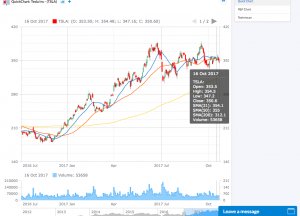
– Charts on Stock Pages
– SmartCharts
Techniscan for a limited time get what the pros use
Redesigned Account and Help Center
And Now – Mobile Friendly!

No Results Found

The page you requested could not be found. Try refining your search, or use the navigation above to locate the post.